Luxembourg · Belgium
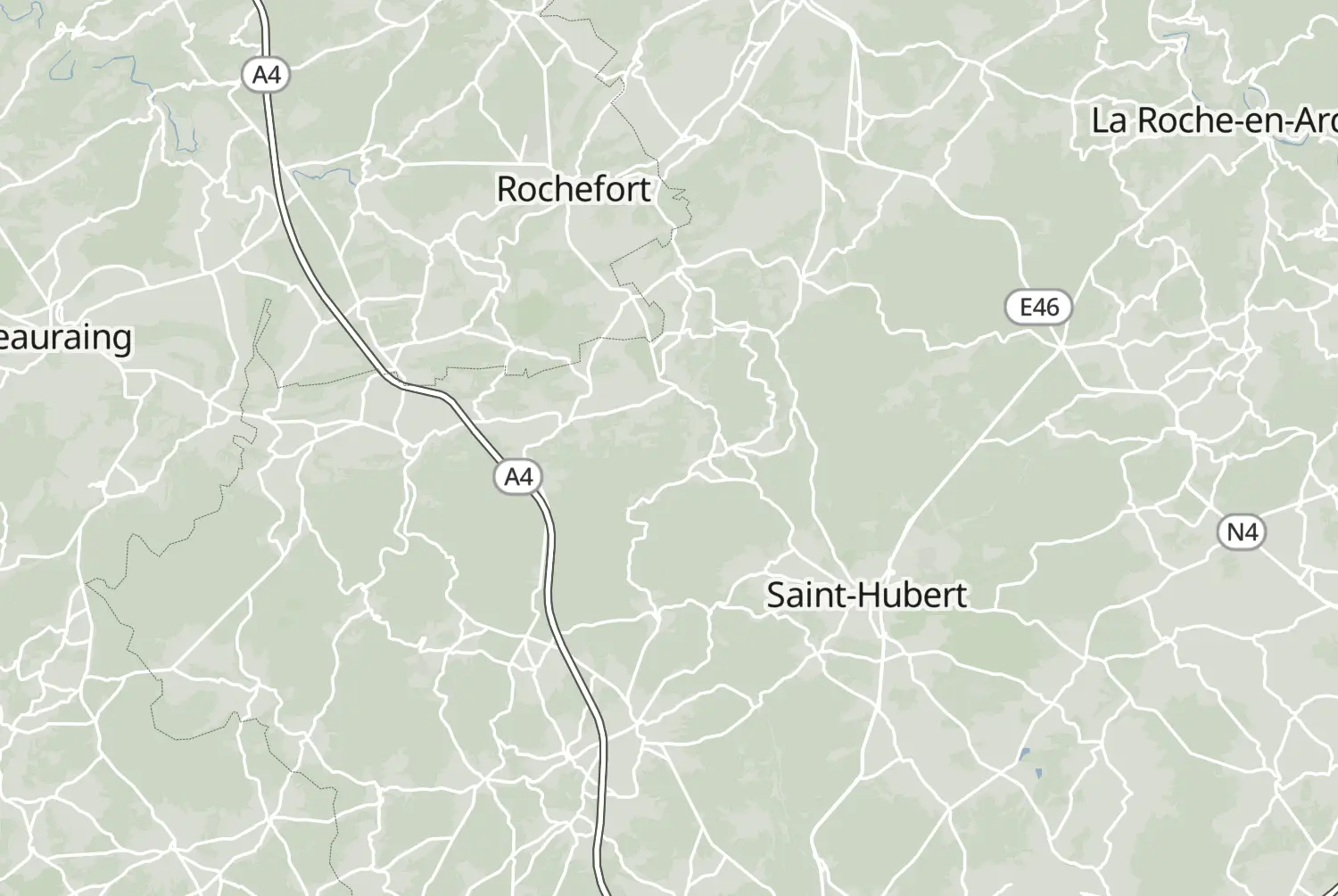
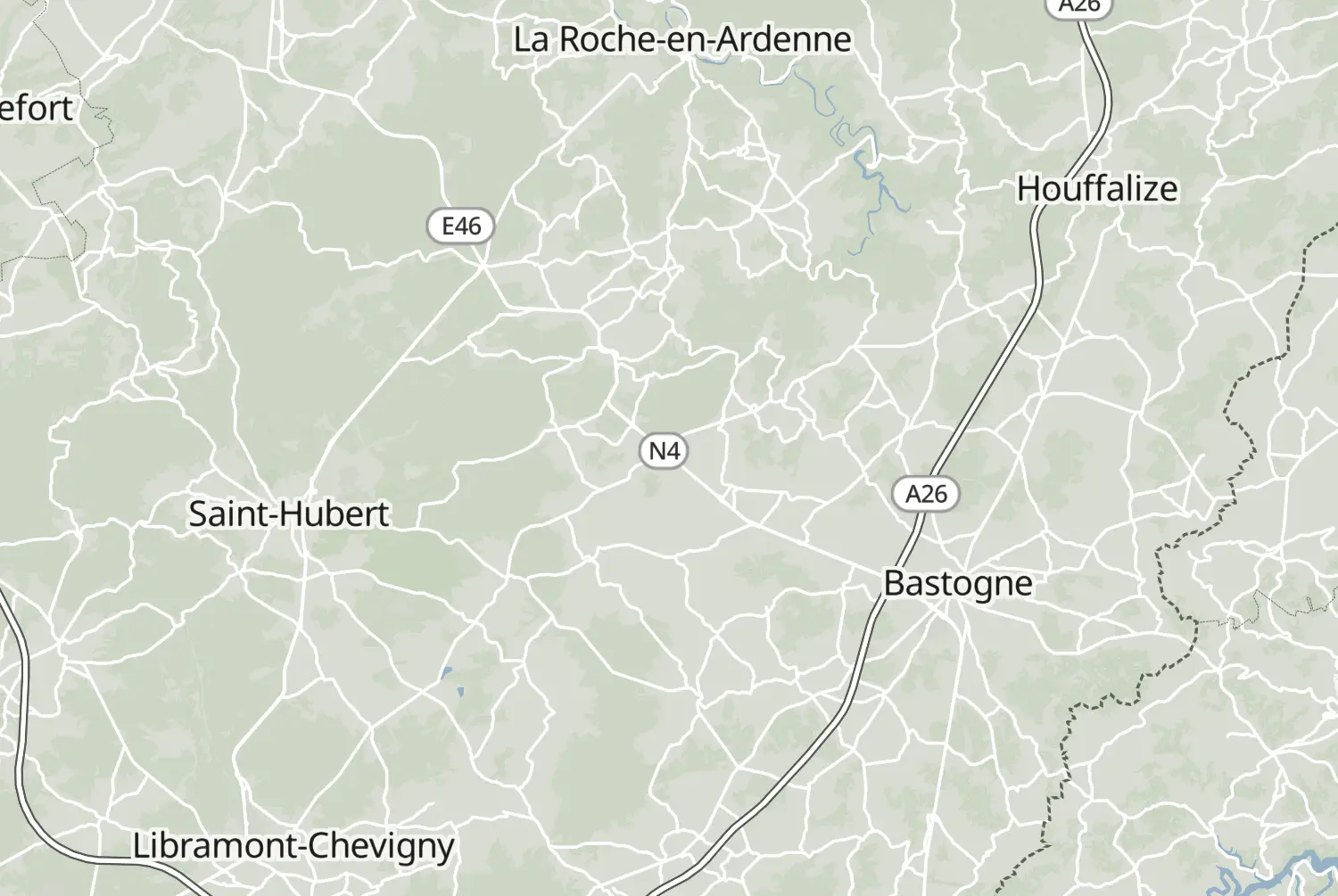
Medium Day 2/2 85.1 km 1h 50m 1,452 m
A GPX file is a route your sat-nav or phone can follow. This page explains what that means, how to get one for free and how to put it on your device.
GPX is an open file format for GPS data. A GPX route holds the line you ride, point by point, so your sat-nav or navigation app can guide you along the roads the rider who shared it chose, instead of working out its own way. That is how the scenic detours and the small curvy roads stay in.
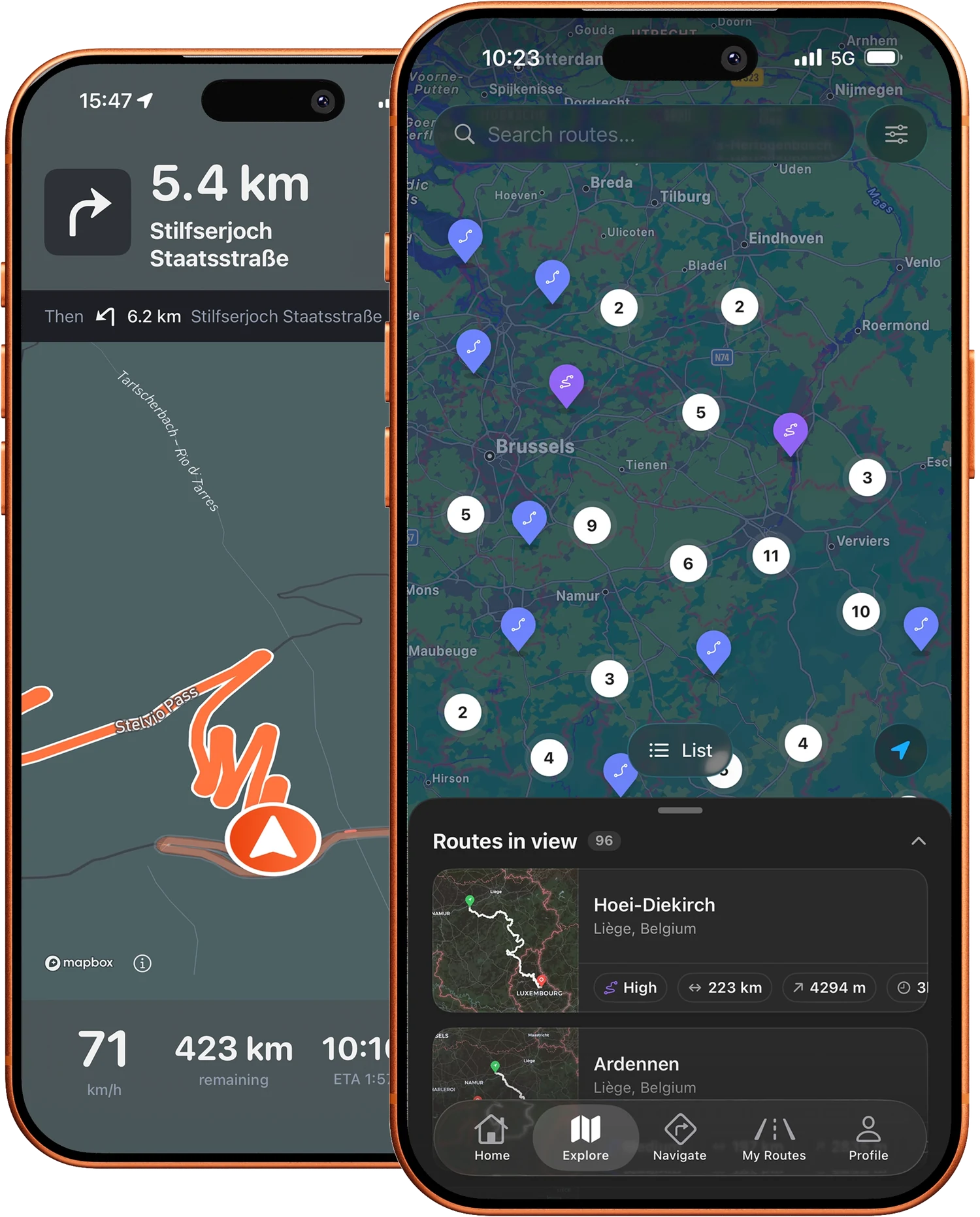
Most route apps make you pay every month, even if you only ride a few times each summer. That never made sense to us. Browsing, building and downloading routes on the website is free and stays free. The iPhone app is free too, with a few turn-by-turn rides each month. Unlimited turn-by-turn navigation, group rides, generated curvy routes, navigation to any point you pick and weather sit behind the optional Motarva Pro subscription. We are an independent project, built in Belgium by someone who rides. No big company, no investors, just riders helping riders.
Step by step, for the devices riders use most:
Know a road every rider should experience? Draw or upload your route and share it with the community. The more routes, the better for everyone, and you earn XP along the way.
Browse all routesRoutes are shared by riders themselves. Always ride carefully, follow the highway code and local rules. You ride at your own risk.
Yes. Browsing routes on the website is free and needs no account. Downloading is free too, with a free account, which also lets you upload routes, save favorites and earn XP. The iPhone app is free to download and includes a few turn-by-turn rides each month; Motarva Pro is an optional subscription for unlimited turn-by-turn navigation, group rides, generated curvy routes, navigation to any point you pick and weather.
Yes, a free one. Every public route downloads free of charge once you are signed in.
GPX by default, and every route can also be exported as TCX, ITN (TomTom) or FIT (Garmin).
Download the file and import it into your app or device, for example Garmin (FIT/GPX), TomTom (ITN/GPX) or apps like OsmAnd, Guru Maps or Komoot (GPX). On iPhone: open the file in Files, tap Share and choose your navigation app.
Yes: with a free account you can upload GPX, TCX, ITN or FIT files (up to 5 MB) or draw a new route with the online Route Maker.
Routes are shared by the community and are not verified by Motarva. Check the weather, road conditions and traffic rules before you leave. You ride at your own risk.
The Motarva app for iPhone puts the whole route catalog in your pocket: browse routes, save your favorites and ride them from your phone. Free to download.