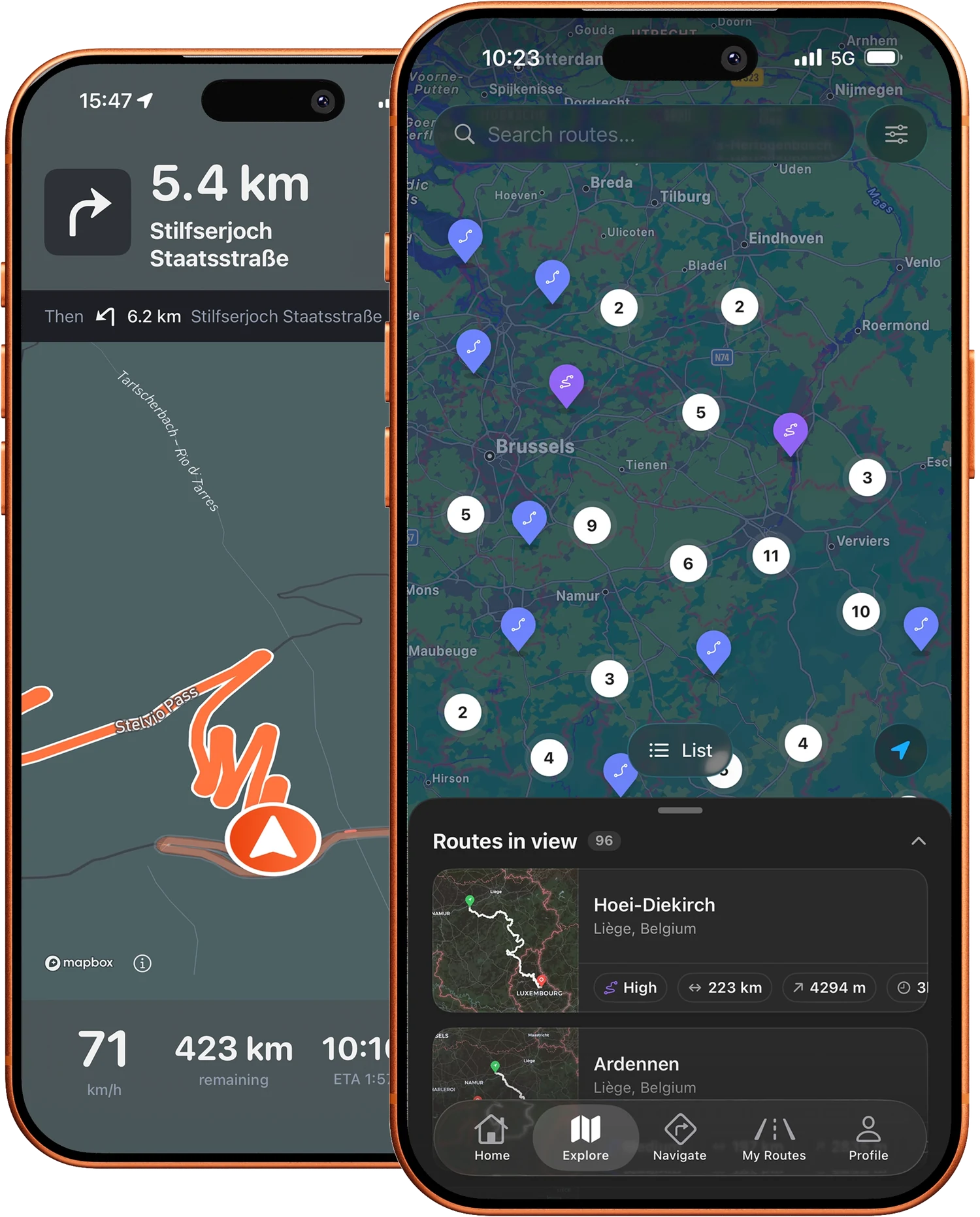
Opening a GPX route on your Android phone
Downloaded a motorcycle route on Motarva? On Android the GPX lands in your Downloads folder, and from there any navigation app that understands GPX can pick it up. The steps below work on most phones, whatever the brand.
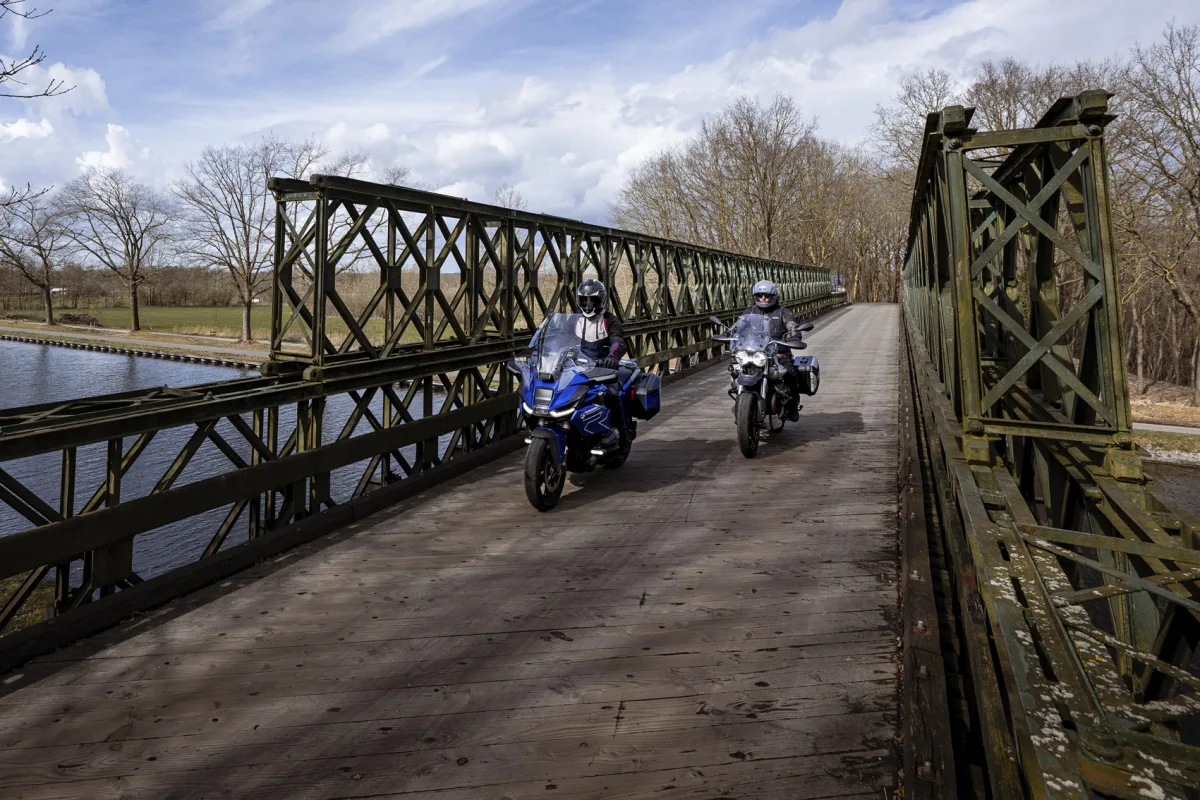
Download and open the GPX
- 1 Open the route on Motarva in your browser and tap the download button.
- 2 The file lands in the Downloads folder of your phone.
- 3 Open your files app and locate the GPX file.
- 4 Tap the file, or use share, and pick the navigation app you want to open it with.
- 5 Import the route in that app and check the full track on the map.
Which app opens a GPX?
Any navigation app with GPX support can take the file: sat-nav companion apps like Garmin Drive or TomTom MyDrive, and most dedicated motorcycle navigation apps. Google Maps is the exception: it has no GPX import. If tapping the file does nothing, open the app first and use its own import option.
Sending the route on to your sat-nav
Your phone is also the easiest bridge to a dedicated sat-nav. Share the GPX to the companion app of your device and sync it: the Garmin and TomTom guides below walk through the exact steps per brand. Many Garmin devices also accept the file over USB from a computer.
Check the route before you ride
Apps differ in how they treat an imported GPX: some follow the track exactly, others recalculate between points. Compare the imported route with the map on Motarva, check the start and end, and you will not meet surprises on the road.
Frequently asked questions
Where does Android save a downloaded GPX?
In the Downloads folder. Every files app shows it, and most navigation apps can open it from there.
Can Google Maps open a GPX file?
No. Google Maps has no GPX import. Use a navigation app that supports GPX files.
Do I need a computer to get a route on my phone?
No. Downloading in the browser and opening the file from Downloads covers the whole trip.
Is there a Motarva app for Android?
The Motarva app is currently available for iPhone. On Android, the website and the GPX download give you the full route catalog.
Take your routes with you
The Motarva app for iPhone puts the whole route catalog in your pocket: browse routes, save your favorites and ride them from your phone. Free to download.